


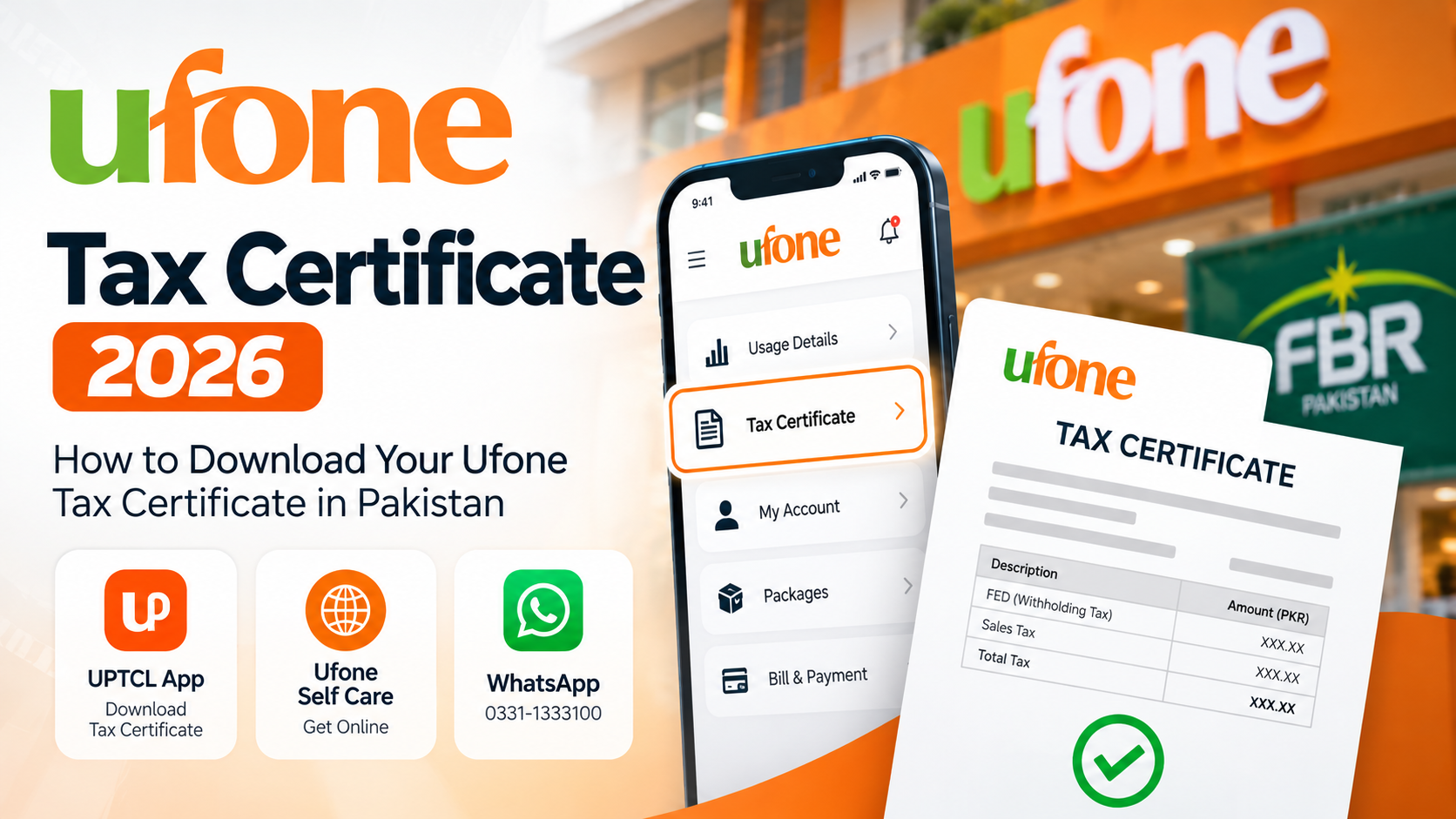
If you are a Ufone user in Pakistan and need a record of the taxes deducted from your mobile usage, you can obtain your Ufone Tax Certificate without visiting a customer service center.
The Ufone tax certificate provides details of applicable taxes paid or deducted on your Ufone connection during a selected period. It can be particularly useful when preparing your annual income tax return in Pakistan and maintaining your personal tax records.
In this guide, we explain how to get your Ufone Tax Certificate in 2026 using the UPTCL App, Ufone Self Care, and WhatsApp.
What Is a Ufone Tax Certificate?
A Ufone Tax Certificate is a document showing the tax associated with your Ufone mobile connection for a particular period.
For taxpayers in Pakistan, keeping mobile tax certificates can be useful when compiling supporting records for an annual income tax return.
Both prepaid and postpaid Ufone customers can access tax-certificate facilities through Ufone's digital self-service options.
Method 1: Download Ufone Tax Certificate Using the UPTCL App
One of the easiest ways to obtain your certificate is through the official UPTCL App.
Steps
Download and install the UPTCL App on your Android phone or iPhone.
Open the app.
Sign in using your Ufone account.
If you don't already have an account, complete the registration and OTP verification process.
Open the account or service options.
Look for the Tax Certificate option.
Select the required period or tax year where applicable.
Generate your tax certificate.
Save the certificate for your records.
Ufone officially lists Tax Certificate as one of the services available through the UPTCL App.
Method 2: Get Ufone Tax Certificate Through Ufone Self Care
You can also access your Ufone account through the online Ufone Self Care portal.
Steps
Open Ufone Self Care.
Log in with your Ufone account details.
Go to the Usage section.
Select Tax Certificate.
Choose the required period if prompted.
Generate or download your certificate.
Ufone's Self Care portal currently includes Tax Certificate under its Usage services.
This method is useful if you prefer using a laptop or desktop computer instead of the mobile app.
Method 3: Get Ufone Tax Certificate Through WhatsApp
Ufone also provides a WhatsApp self-service facility.
Send Hi from your Ufone number to:
0331-1333100
Follow the automated menu and select the Tax Certificate service.
Ufone lists the Tax Certificate facility as available to both prepaid and postpaid customers through its official WhatsApp service.
Why Do You Need a Ufone Tax Certificate?
If you are preparing your annual income tax return, it is useful to keep records of taxes associated with services you have used during the relevant tax year.
Your mobile tax certificate provides a convenient record of the taxes associated with your Ufone connection.
You should keep the certificate with your other tax-related documents, such as:
Salary tax certificate
Bank tax certificates
Other mobile-network tax certificates
Investment-related tax documents
Relevant property or asset documents
Other supporting tax records
Whether and how a particular amount should be reported or claimed in your tax return depends on the applicable tax rules and your individual circumstances.
Ufone Tax Certificate for FBR Tax Return
Many taxpayers collect their telecom tax certificates while preparing their annual FBR income tax return.
For example, if you use multiple SIM networks such as Ufone, Jazz, Zong, or Telenor, you may want to obtain the relevant certificate separately from each operator for your records.
Make sure that you select the correct reporting period when generating a certificate.
Ufone Tax Certificate Not Showing?
If you cannot find or generate your certificate, first make sure that:
You are signed in with the correct Ufone number.
Your account registration and OTP verification are complete.
You have selected the correct period.
Your UPTCL App is updated to the latest version.
Your internet connection is working correctly.
If the problem continues, contact Ufone customer support.
Ufone Helpline: 333 from a Ufone number
UAN / Support: 033-11-333-100
Email: customercare@ufone.com
Can Prepaid Users Get a Ufone Tax Certificate?
Yes. Ufone provides tax-certificate functionality for its customers through its digital self-service channels, including its WhatsApp service.
Can Postpaid Users Get a Ufone Tax Certificate?
Yes. Postpaid customers can also access the Ufone tax-certificate service.
Can I Get My Ufone Tax Certificate Online?
Yes. You do not necessarily need to visit a Ufone service center. You can use Ufone's online Self Care facility or the UPTCL App.
Frequently Asked Questions
How can I download my Ufone tax certificate?
You can obtain your Ufone tax certificate through the UPTCL App or Ufone Self Care. Ufone also provides a Tax Certificate option through its WhatsApp self-service.
What is the Ufone WhatsApp number for a tax certificate?
Ufone's official WhatsApp automated helpline is 0331-1333100. Send "Hi" from your Ufone number and follow the available options.
Is a Ufone tax certificate available for prepaid numbers?
Yes. Ufone's WhatsApp self-service lists the Tax Certificate service for prepaid customers.
Is a tax certificate available for Ufone postpaid users?
Yes. The Tax Certificate service is also available to Ufone postpaid customers.
Do I need to visit a Ufone franchise?
Normally, you can obtain the certificate through Ufone's digital channels without visiting a franchise.
Which tax year should I select?
Select the period corresponding to the tax return or records you are preparing. Always verify the dates shown on the generated certificate before using it for tax purposes.
Final Words
Getting a Ufone Tax Certificate in Pakistan is relatively simple. The quickest options are the UPTCL App, Ufone Self Care, and Ufone's official WhatsApp self-service.
If you are preparing your annual income tax return, keeping your Ufone tax certificate together with your other financial and tax documents can make record-keeping easier.
For more Pakistan mobile-network guides, smartphone information, PTA tax information, mobile prices, and telecom updates, visit BestMobile.pk.